
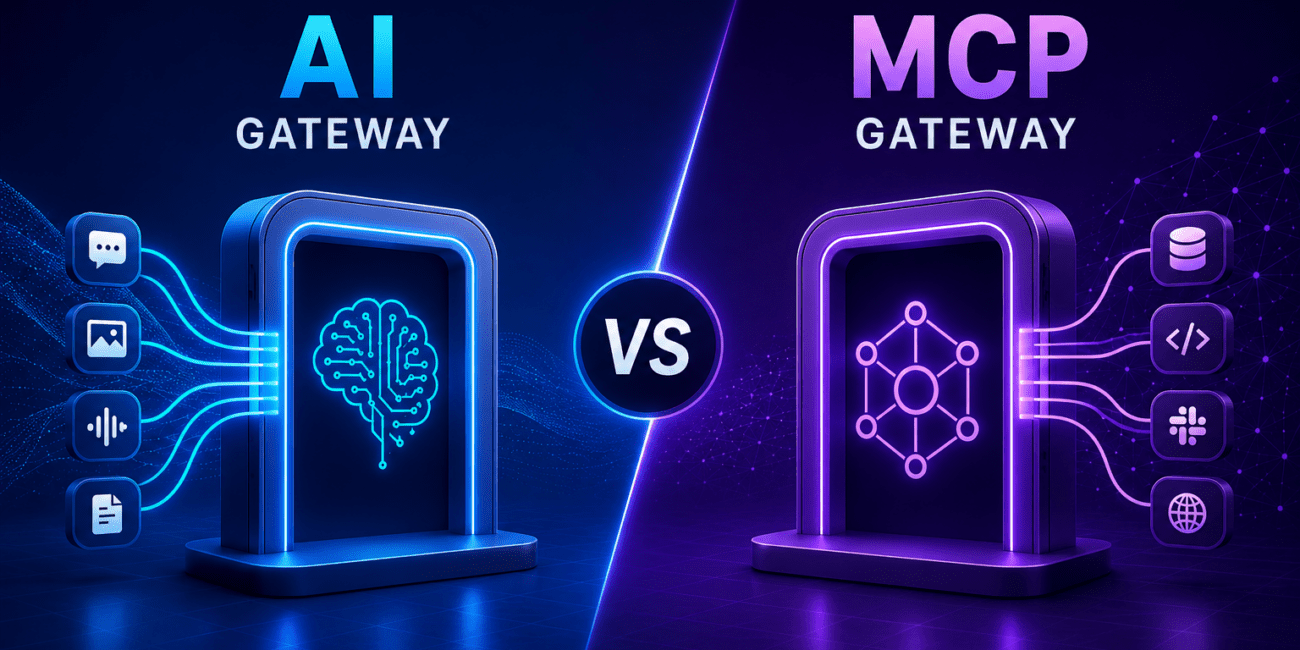

As enterprises adopt AI agents, two control points are becoming common: AI Gateways and MCP Gateways.
They sound similar, but they solve different problems.
An AI Gateway controls how applications interact with AI models. An MCP Gateway controls how AI agents interact with tools, systems, and data exposed through MCP.
Both are useful. Neither is enough on its own.
AI Gateway: Controls Model Access
An AI Gateway sits between applications and AI models and manages model usage across the enterprise. Typical capabilities include:
- Model routing and fallback
- API key management
- Prompt and response logging
- Usage, cost, and latency tracking
- Rate limiting
- Guardrails, policy checks, and DLP
- Observability across model providers
In simple terms: AI Gateway = control point for model usage.
It helps answer:
- Which teams are using which models?
- Is sensitive data or secrets being passed to the model?
- Are prompts and responses aligned with enterprise policies?
- What is the cost and latency by model, app, or team?
This is useful for AI governance, but it operates at the model interaction layer.
MCP Gateway: Controls Tool Access
An MCP Gateway sits between AI agents and MCP servers and manages how agents discover, access, and invoke tools. Typical capabilities include:
- MCP server and tool discovery
- Tool access control and agent-to-tool authorization
- Credential brokering
- Tool schema filtering
- Policy checks before invocation
- Tool-call logging and audit trails for agent actions
In simple terms: MCP Gateway = control point for agent-to-tool access. It helps answer:
- Which agents can access which tools?
- Which MCP servers are active?
- What tools are exposed to which agents?
- Which credentials are being used?
- Are agents invoking tools outside their intended scope?
This matters because agents are no longer just generating text. They take actions through tools, APIs, databases, SaaS applications, and internal systems.
The Core Difference
| Area | AI Gateway | MCP Gateway |
| Primary focus | Model access | Tool access |
| Sits between | App and LLM | Agent and MCP server/tool |
| Controls | Prompts, responses, models | Tools, schemas, credentials, invocations |
| Key value | Centralized AI usage governance | Centralized agent-tool governance |
| Main limitation | Blind to tool actions | Blind to business context and intent |
The AI Gateway governs the model conversation. The MCP Gateway governs the tool invocation. The real business risk happens across the full workflow.
Deployment Options and Challenges
AI Gateway deployment patterns include a central proxy, SDK wrapper, sidecar, or API gateway integration hosted as SaaS or self-managed.
The main challenge is adoption consistency. If some applications call LLMs directly, visibility remains incomplete. Common AI Gateway challenges include:
- Preventing direct model access
- Managing latency and streaming responses
- Protecting sensitive data in prompts and responses
- Supporting multiple models and providers consistently
- Integrating with IAM, SIEM, DLP, and observability tools
MCP Gateway deployment patterns include a central gateway, per-environment instances, agent-side proxies, or tool-side proxies hosted as SaaS or self-managed.
The main challenge is tool sprawl. MCP makes it easier to expose tools, but it also creates distributed ownership, more schemas, and more ways for agents to invoke actions. Common MCP Gateway challenges include:
- Discovering MCP servers and tools
- Managing tool ownership
- Avoiding over-permissioned agents
- Securing credentials
- Filtering tool access by role and context
- Auditing tool calls across agents
- Preventing shadow MCP tools and direct tool access
- Mapping tool calls to downstream APIs and workflows
The deployment difference is simple: AI Gateway deployment centralizes model access. MCP Gateway deployment centralizes tool access.
Both can be bypassed if applications or agents connect directly to models, tools, local MCP servers, plugins, or APIs. That creates a common requirement: continuous discovery, policy enforcement, and runtime validation.
What Gateways Still Miss
Consider a customer service agent.
The agent receives a request, asks the model what to do, retrieves customer data, checks order history, invokes a refund API, updates a CRM ticket, and sends a confirmation email.
An AI Gateway sees the prompt and model response. An MCP Gateway sees the tool calls.
But the real question is: Was this the right workflow for this user, customer, transaction, and business context?
For example:
- Was the refund amount within policy?
- Was manager approval required?
- Was this agent allowed to issue refunds, or only recommend them?
- Was the customer eligible?
- Was the sequence of steps normal for this transaction type?
- Was sensitive data accessed unnecessarily?
Each individual step may look valid. The overall outcome may still be wrong.
The Missing Layer: Business Logic Graph
This is where a Business Logic Graph becomes important.
A Business Logic Graph maps users, agents, tools, MCP servers, APIs, data flows, permissions, and expected workflow sequences. It connects the AI layer, the MCP/tool layer, and the API execution layer.
The goal is not only to know: “Was the model allowed?” or “Was the tool allowed?”
The goal is to know: “Was this execution path allowed?”
Final Takeaway
AI Gateway and MCP Gateway are complementary.
AI Gateway controls model usage. MCP Gateway controls tool usage. Business Logic Graph controls execution paths.
As enterprises move toward agentic AI, the main risk will not come from prompts or individual tool calls. It will come from multi-step workflows where agents, tools, APIs, and applications interact.
That is where Business Logic Security becomes the required control layer.
Book a demo to discover how to gain visibility across AI models, MCP tools, APIs, and multi-step agent execution paths.
Frequently Asked Questions
1. What is the difference between an AI Gateway and an MCP Gateway?
2. Why do enterprises need both AI Gateways and MCP Gateways?
3. What security risks do AI agents introduce beyond model interactions?
4. Why is workflow visibility important for agentic AI security?
5. Can AI Gateways and MCP Gateways prevent all agent-related risks?


